
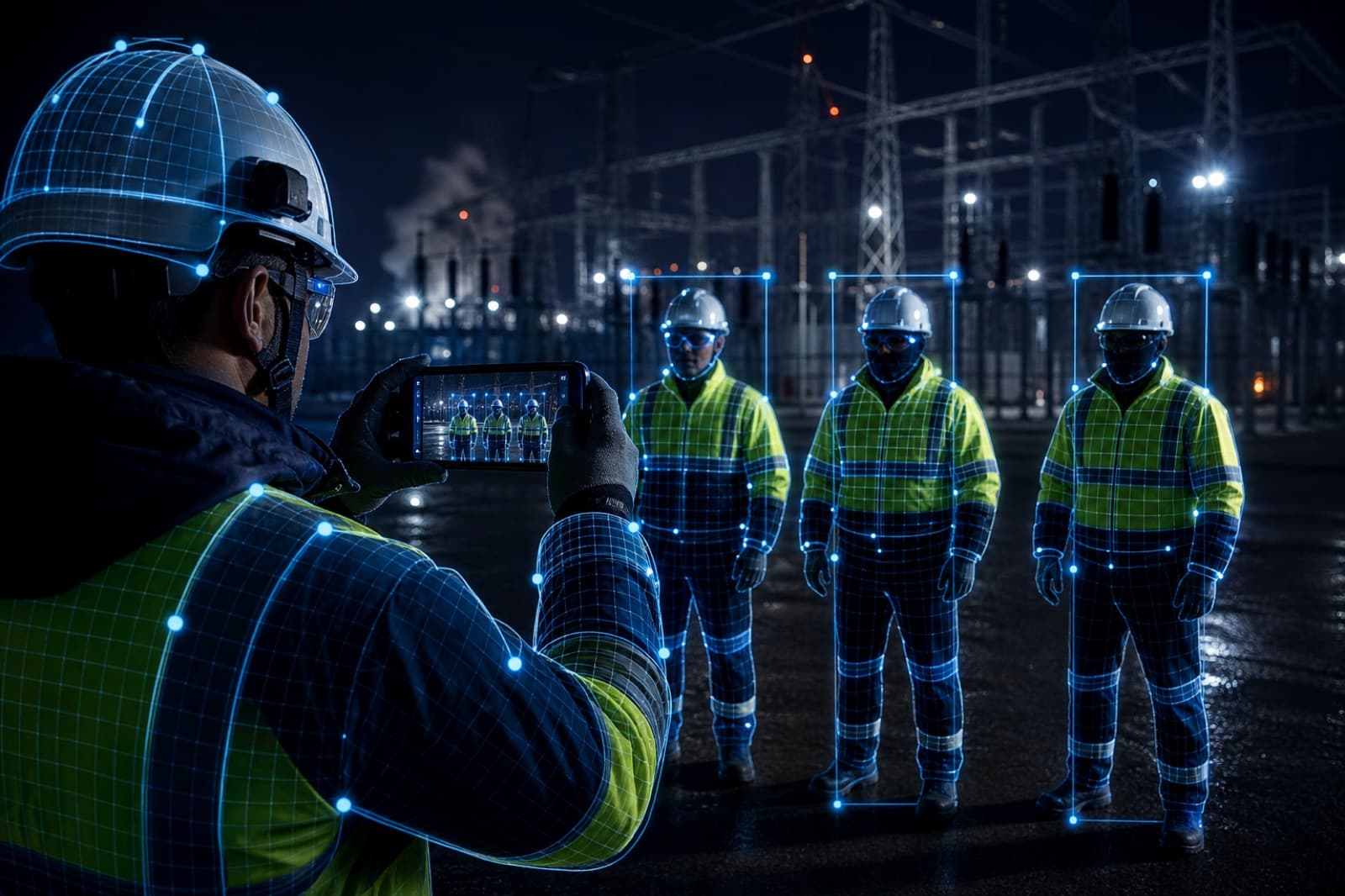
In utilities and energy, risk does not wait for Friday’s report. The EPI gate must exist before the job advances.
The fragile pattern
A spreadsheet of “EPI checked.” A loose photo on WhatsApp. The technician’s signature on a generic field. All of that fails in audit and in an incident.
The pattern that sees
- Supervisor or technician points the camera at the team.
- The AI Vision field answers a binary prompt or rubric (“is there a hard hat, goggles, gloves?”).
- Without approved evidence, the form does not unlock the next step.
Below the threshold, the capture stays inconclusive. Above it, the tower can act by exception.
How to write the prompt without overpromising
Ask what the image can show. Avoid “the technician is safe.” Prefer “hard hat visible on the head,” “gloves on both hands,” “area signed in the frame.”
Use a high threshold. Inconclusive EPI must block, not “continue with an invisible caveat.”
- 01
Gate on the WO
Required field in the high-risk activity template.
- 02
Contextual capture
Photo of the team on site, with GPS and timestamp.
- 03
Release or block
Score above the threshold continues. Below it, alert in the tower.
The operational gain
Fewer inspection trips just to “check the EPI box.” More consistency across providers. A dossier ready when the customer or regulator asks for proof.
Want a EPI template?
We bring a risk checklist with a visual gate into the demo.